Historically, I have been a pretty avid fan of self-hosting all my stuff. I’ve always liked running my own servers, be it Jellyfin or PfSense or even this very blog using Hugo. Some of it stems from trust issues with cloud providers, some of it comes down to things being potentially cheaper to run on my own hardware, but if I’m being honest with myself, a lot of it comes down to “I just have fun setting it up.”
For the last several years, I have been serving everything directly from my home network by opening a port on my NixOS Router. This has worked without much issue, but you do run into some problems.
First, having an open port on your router risks your network being bombarded by port scanners. Bots will scrub the internet looking for open port , and will spam it with frequent login attempts. Less maliciously, you also have to worry about web scrapers for training AI repeatedly hitting your server if you have anything on port or . Second, if you don’t really know what you’re doing, there’s a serious risk of screwing things up and just leaving your network wide open.
Last, it’s probably not a good idea to be exposing the entire world to your public IP address. While what I post here is fairly harmless, the last thing I want is some psycho to get mad about something I post, reverse my IP address, then come and yell at me at home.
I more or less do understand what I’m doing, and I know enough to install fail2ban and Nginx rate-limiting, but even with that, there are certainly edge cases for shit that I don’t know about and am not dedicated enough to learn about.
I figured it was time to properly fix this, and resisting every instinct within me, I decided to start using cloud services to do it, and I figured it’s a good excuse to writ up a blog post about it.
Cloudflare Tunnels
The first thing I wanted to do was avoid opening up ports for my Jellyfin instance and blog. These are both simple HTTP and as such can be served with a fairly vanilla proxy, and that actually what I was doing with Nginx locally. It turns out that this is such a common thing that Cloudflare offers a free service to handle this for you: Tunnels.
Tunnels get around the need to open a port by having your server make an outbound socket connection to Cloudflare’s servers, and then having Cloudflare work as a proxy in between. This carries the additional advantage of obfuscating your IP address, since the only exposed address is Cloudflare’s IP, and they’re capable of taking care of themselves. Something that didn’t actually occur to me until after I set it up is the fact that I don’t have to worry about my IP address changing like I had to with my previous setup. Since, again, we’re making an outbound connection to Cloudflare, the source of the call doesn’t really matter, no matter how often things change.
Oh yeah, also, this is all free! I don’t like paying for things so this is a perk to me.
Setting it Up
Getting this working with NixOS was actually pretty straightforward.
First, I had to start a shell with cloudflared by simply doing nix-shell -p cloudflared.
It’s all pretty straightforward after that.
$ cloudflared tunnel login

$ cloudflared tunnel create home-tunnel

$ cloudflared tunnel route dns home-tunnel my.domain.name
Then in NixOS I also had to add this stanza:
services.cloudflared = {
      enable = true;
      tunnels.${tunnelId} = {
	  credentialsFile = "/home/tombert/.cloudflared/<CLOUDFLARE_UUID>.json";
	  warp-routing.enabled = true;

	  ingress = {
		  "my.domain.name".service = "http://127.0.0.1:8096";
	  };

	  default = "http_status:404";
    };
};
And that’s basically it! Now I have a public site handled with a tunnel. Really isn’t so hard.
Cloudflare Access
Serving your site with a Tunnel also allows you to have free authentication with Access. It’s not quite as versatile as something like AWS Cognito, but it’s free and takes about five minutes to set up once you have a Tunnel set up.
This can be set up entirely in the Cloudflare console.
First, click on Zero Trust on the dashboard:

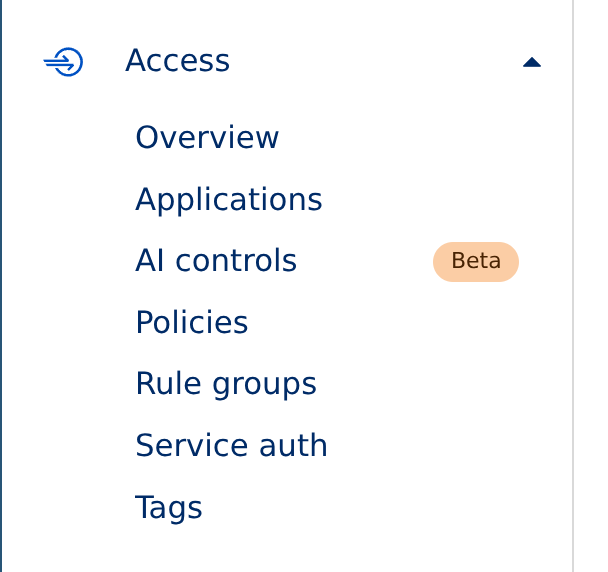
Then click Access on the left, then click Applications:
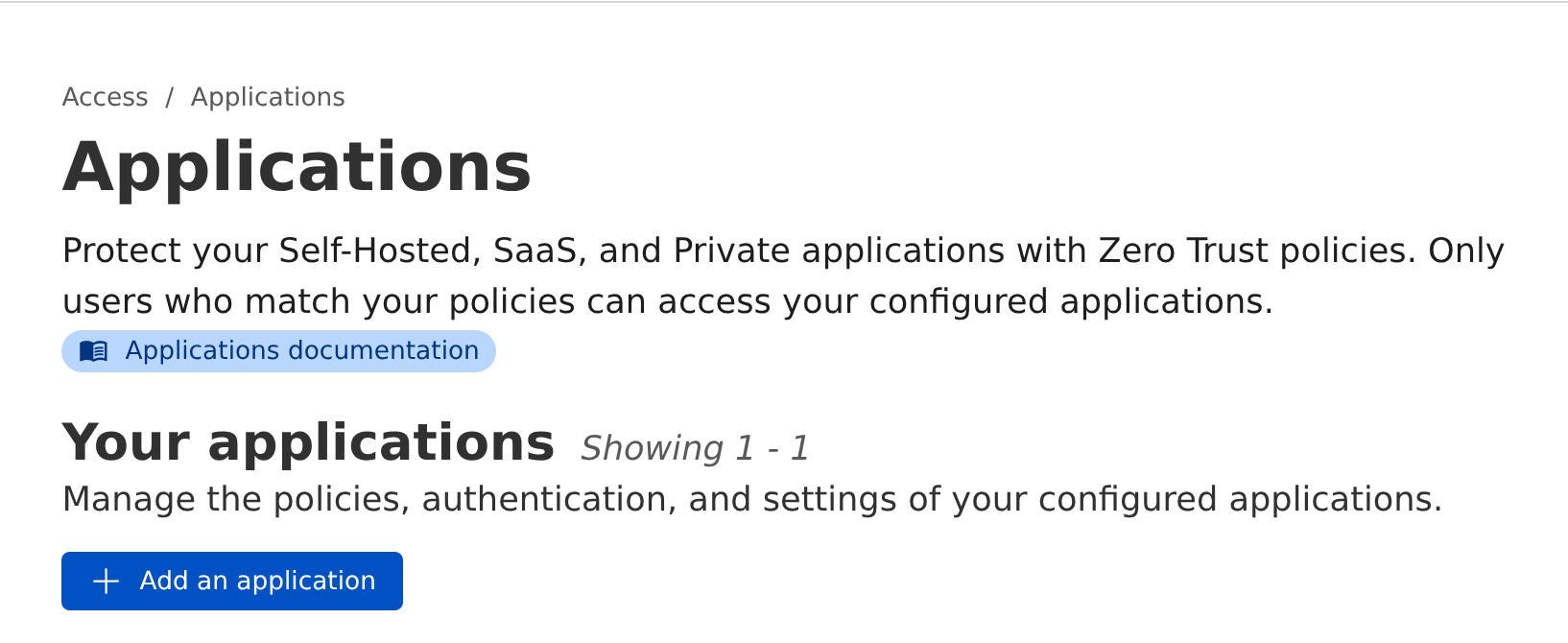
Click the blue “Add an Application” button:
Then click “Self-hosted”:
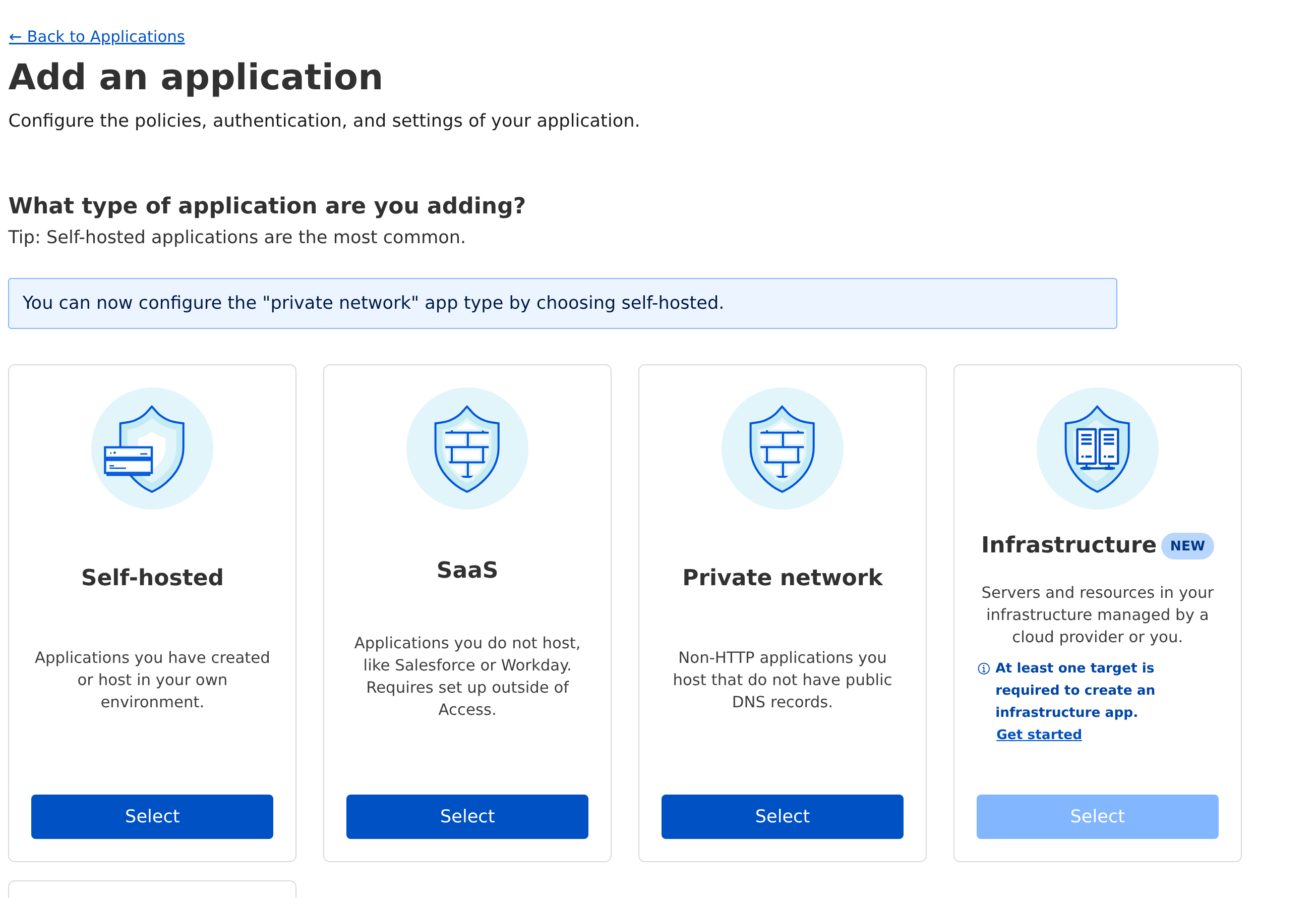
Then just walk through the guide, and boom! You have authentication.
Oracle Cloud
Cloudflare Tunnels are very cool, but they only handle HTTP traffic. This is fine for most stuff, but I run a Minecraft server, which uses its own vanilla TCP protocol. This requires some extra work if you want forwarding, and it’s hard to find anything for free.
I found out that Oracle has a shockingly generous “Always Free” tier for cloud instance hosting. Within the Always Free products, you can get a quad-core Ampere CPU with gigabytes of RAM to play with.
My initial plan was to use Slack Nebula to set up a mesh network between my home server and the cloud box, but after spending too much time fighting with ports, I realized that this is a dumb solution to the problem: why not just host the Minecraft server directly on the box? I moved the game folder to the box, played around with iptables, and now my Minecraft server lives in the cloud. It runs just as well as it did on my server, though there’s rarely more than one user on there (email me if you’d like to join and I’ll add you to the whitelist). Regardless, it allowed me to close up another port on the server.
I don’t love Oracle as a company, but I have to admit that this is actually a pretty sweet deal (considering I’m not paying for anything), so I recommend checking it out.
Cloudflare R2
Yeah, back to Cloudflare. Sorry.
I am a huge fan of the Obsidian app to handle notes, but one complaint I’ve historically had is that there’s not really a good free way to sync vaults between my phone and computer without doing a lot of manual Git bullshit. I recently found a plugin called Remotely Save, which automates syncing across any number of devices. It can use many different services for sync, including anything that uses the AWS S3 API.
There’s a bunch of S3-comopatible services out there, but since I had already set up the Cloudflare Tunnels, I was already primed with the Cloudflare dashboard, and noticed that the R2 service advertised S3 compatibility, and has a very generous free tier. Since notes are generally small text files, I didn’t anticipate ever going over the free tier, so I thought it would be a good fit.
Getting it set up wasn’t terribly difficult, and I followed this excellent tutorial on the Remotely Save Github.
Cloudflare Pages
Finally, I decided to stop self-hosting my blog entirely.
There are dozens of free blog hosting services. I’ve used a bunch of them, but I’ve never been able to stick with any of them. Medium and Tumblr were “generally fine”, but I’m a geeky dude and I generally have preferred using static site generators like Jekyll or Hugo, if for no other reason than I just prefer writing things in Neovim over some shitty web editor.
Cloudflare Pages offers the ability to host a static blog for free, and integrates directly with Github, and has first-class support for Hugo out of the box. All I had to do was sign up, give Cloudflare access to my blog private repo, and tell it to render and deploy it with Hugo. It was super easy.
The pages management tools can integrate custom domains, which is what I did, and now https://blog.tombert.com is hosted on Cloudflare and doesn’t touch my network.
Conclusion
I like self-hosting, but self-hosting is time consuming, and I have come to the conclusion that I would like to reduce the amount of time I spend babysitting simple services. There are a lot of very cool cloud services that are available for little-to-no cost that are easy enough to set up.
Cloudflare and Oracle have people working around the clock working to ensure that these things stay working and more importantly work correctly. Security is important, and until I learn more about cybersecurity than the average engineer, I probably should defer to the experts.